

- Scraping data without getting blocked.
- Emulating real-user behavior for stealthy automation.
- Teams without an unblocking system that want to skip automatic CAPTCHA solving.
How to enable Captcha Handler
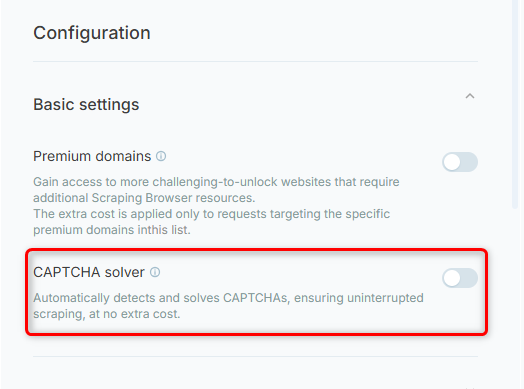
To enable Captcha Handler in your BrowserAI project:- Go to your project.
- Head to Headless Browser tab on the right toolbar.
- Scroll down to Configuration -> Basic settings -> Captcha Solver.
To manually configure the default CAPTCHA solver using CDP commands, refer to the CDP functions for full control over the solving process.